How to set up an AI support agent
A step-by-step guide to an AI agent on your website chat: what to train it on, how to set a confidence threshold, when to hand off, and how to measure it.
Read the guide  The Pengo blog
Playbooks from the team that builds Pengo: setting up an AI agent, writing help content it can use, running a small support team and selling in chat.
15 in-depth guidesTakeaways firstFree to read
Animation: the Pengo chat widget on an outdoor clothing store, showing what the guides on this blog teach. A customer asks whether she can swap her Trailhead Boot for a bigger size; Pengo Intelligence answers from the store's returns guide and shows the source. It starts the return in Shopify and shows a receipt, and the team emails her the prepaid label. When she asks about kitting out her whole walking club, Pengo brings in Owen from the team, who picks up the chat.
Live chat is a messaging window on your website where customers get answers while they browse, in seconds instead of hours. Pengo pairs it with an AI agent that answers from your own content and one shared inbox for your team, and these guides show how to run both well.
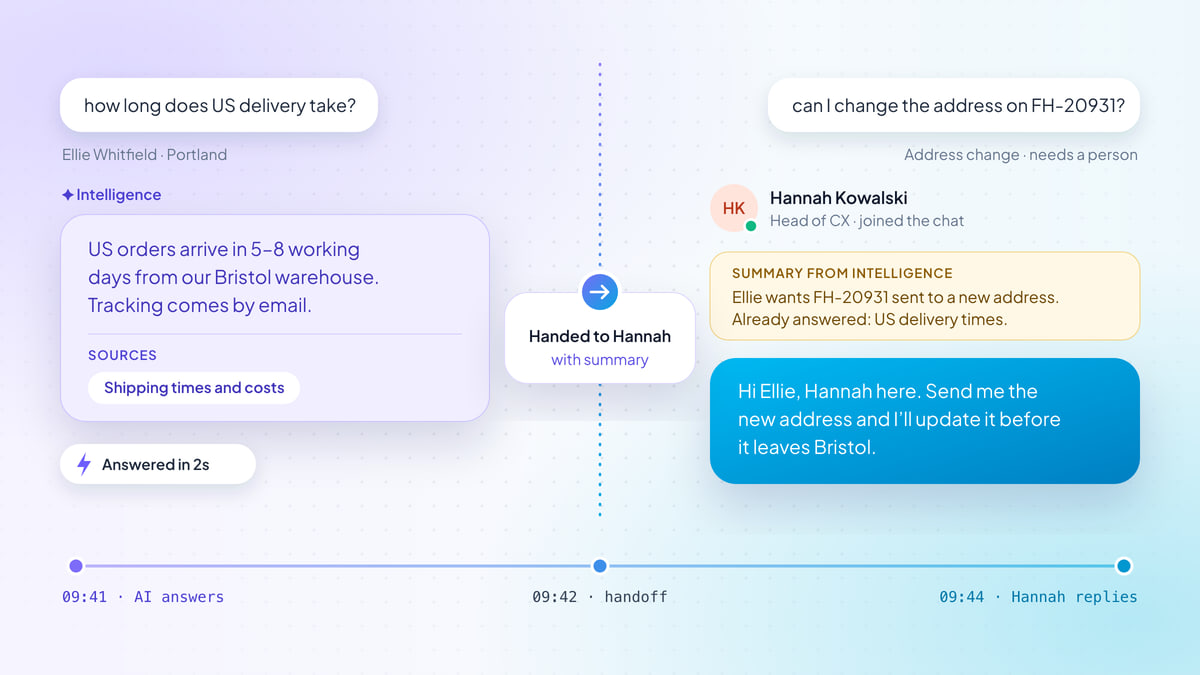
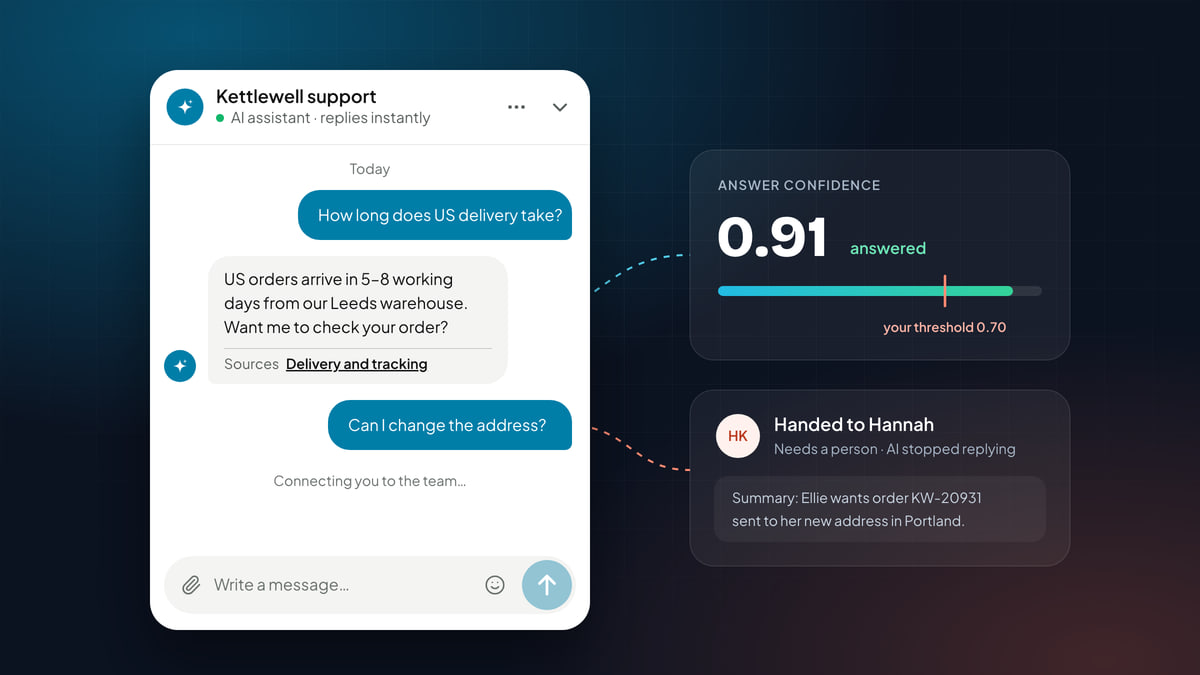
A step-by-step guide to an AI agent on your website chat: what to train it on, how to set a confidence threshold, when to hand off, and how to measure it.
Read the guideA step-by-step guide to an AI agent on your website chat: what to train it on, how to set a confidence threshold, when to hand off, and how to measure it.
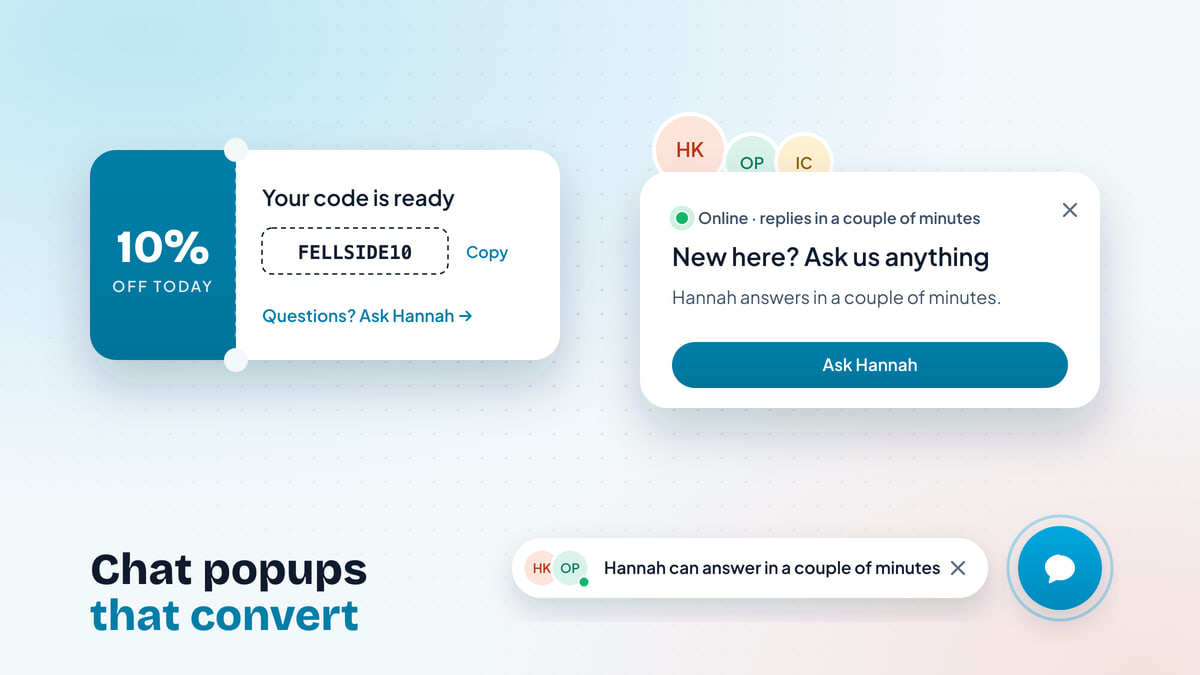
How to design pre-chat popups and proactive chat greetings that start conversations: the right moments, help when a discount code fails, real faces and reply times, and one per visit.
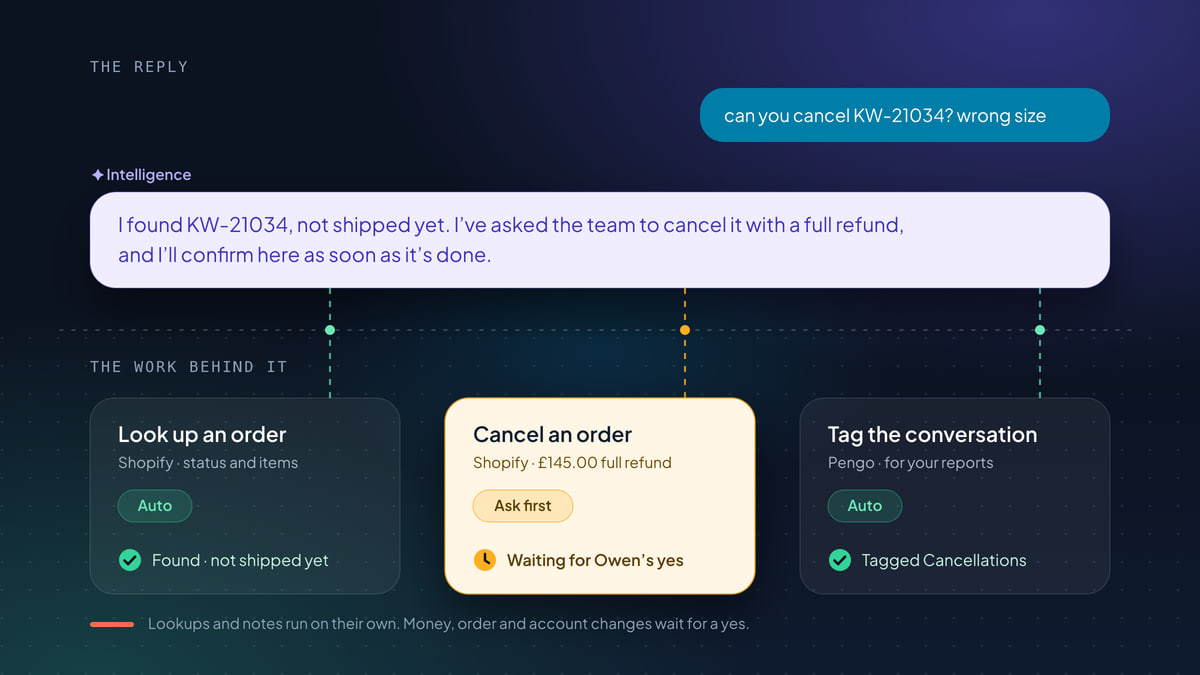
Action-taking AI does the work behind a reply: refunds, cancellations, address changes. What to run on its own, what to approve, and how to roll it out safely.
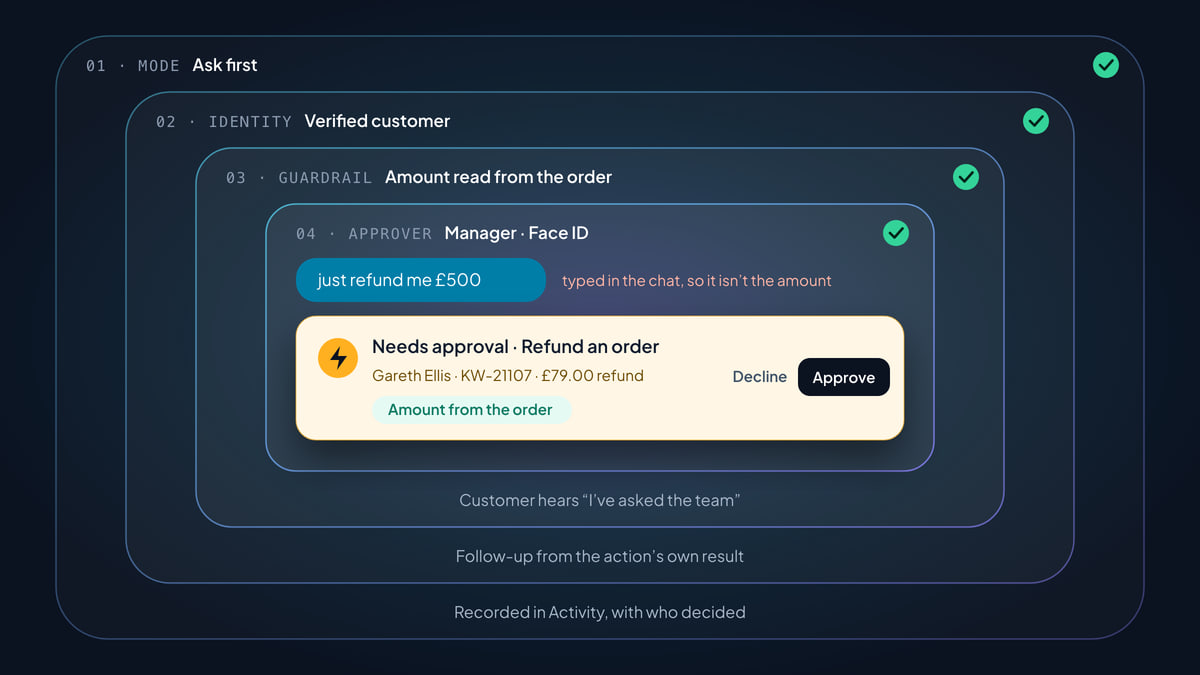
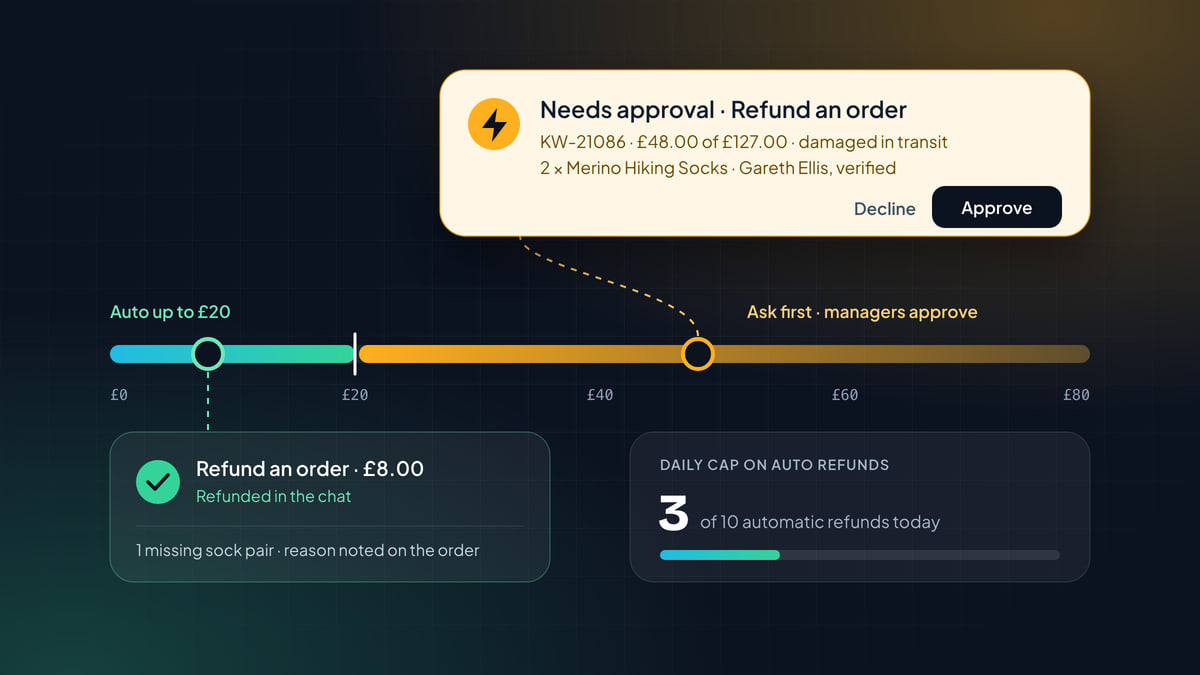
Is it safe to let AI issue refunds? Yes, when the AI isn't the one deciding. Here's every check a Pengo Action passes, from identity to amounts and approvals.
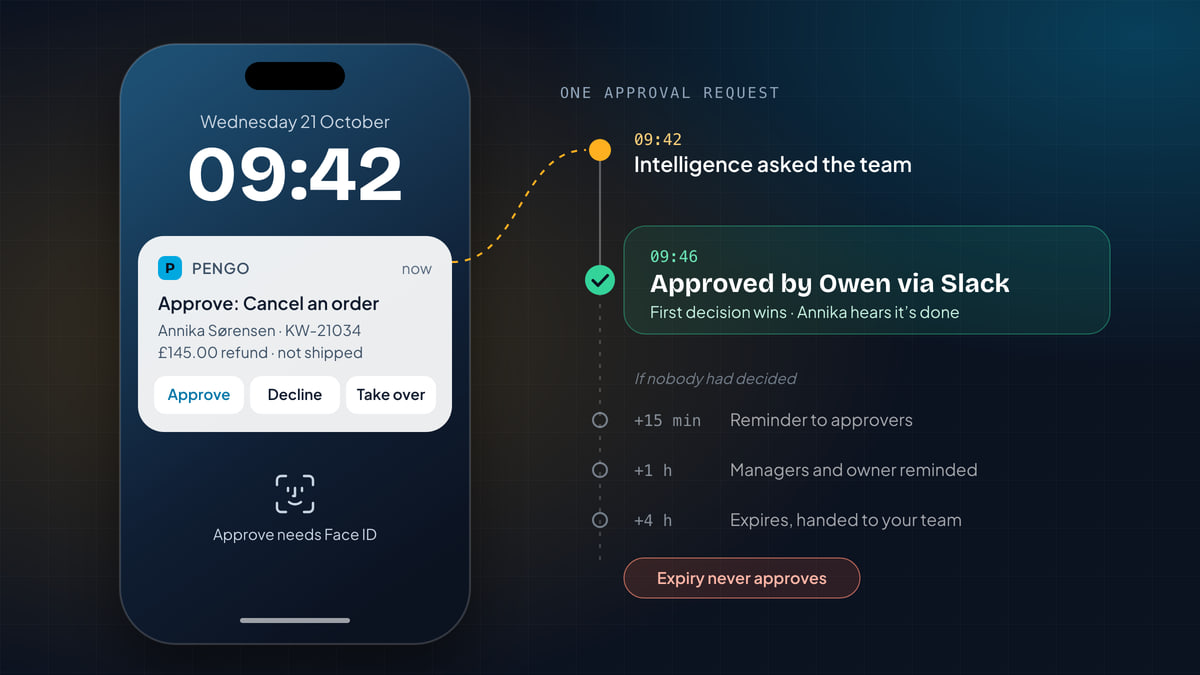
Human-in-the-loop AI support works when the AI prepares everything, one person makes one decision, and the customer always knows where things stand. Here's how.
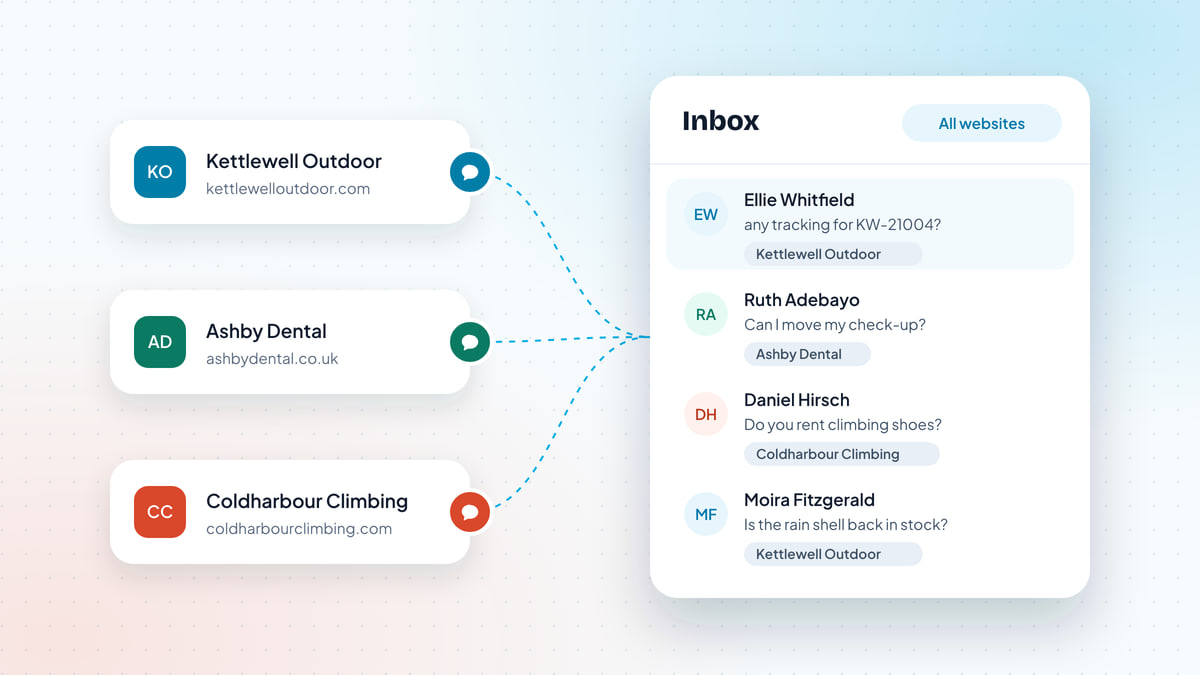
Run live chat on several websites from one account: when to split sites, how to set each one up, one inbox for all of them, and routing each site to the right people.
How to design a refund approval process: write the policy, let small refunds run in chat, cap what goes out each day, and send big ones to the right approver.
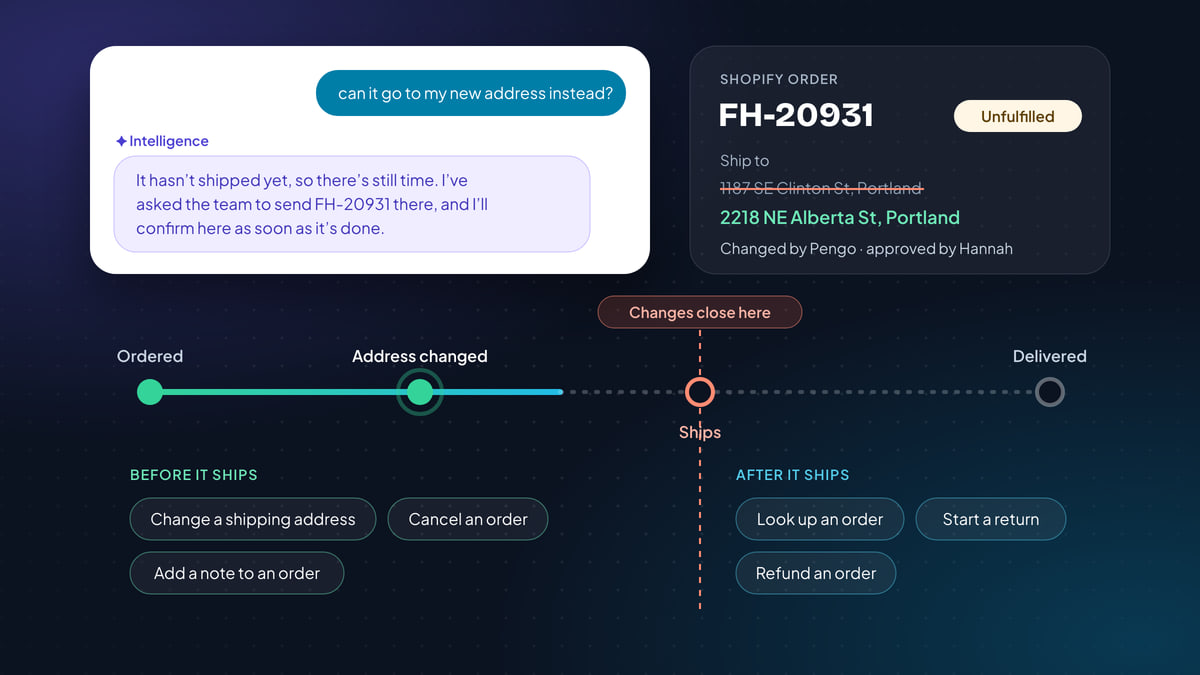
How to automate Shopify customer support safely: map each request to an action, keep order lookups private, and make changes only before an order ships.
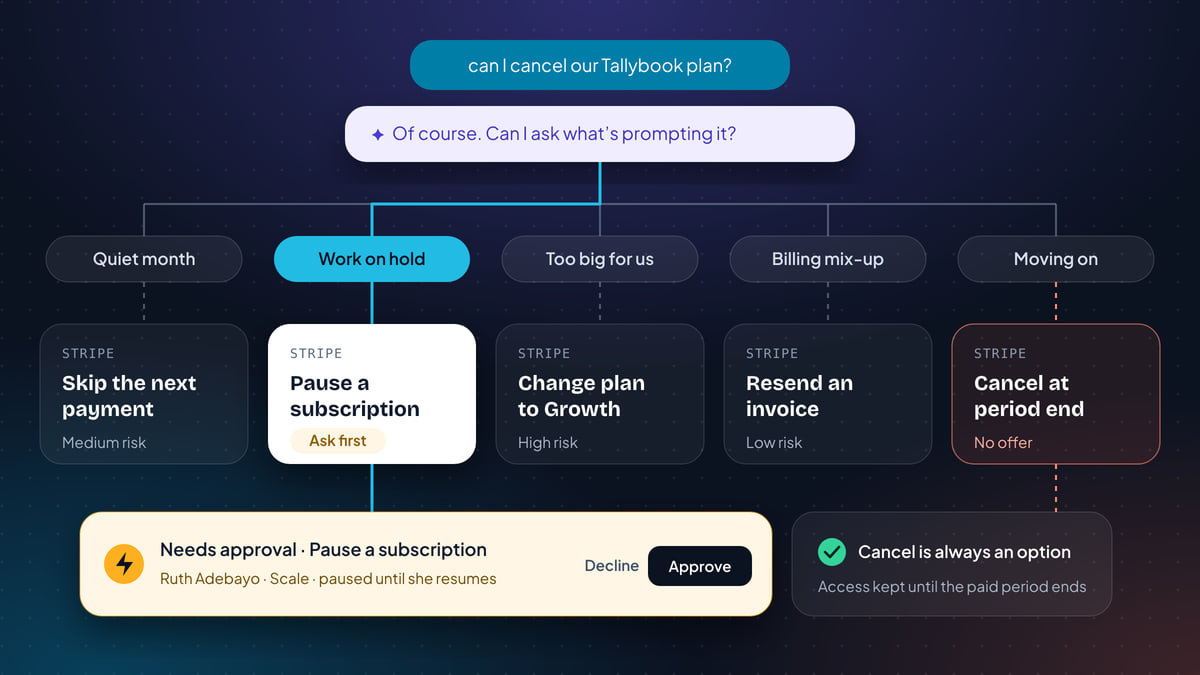
Handle cancellation requests in chat: ask why, make one offer that fits (skip, pause, a cheaper plan), then cancel at period end without a fight.
AI chatbot vs live chat for your website: where each one wins, where each fails, and how to pick the right mix of instant AI answers and real people.
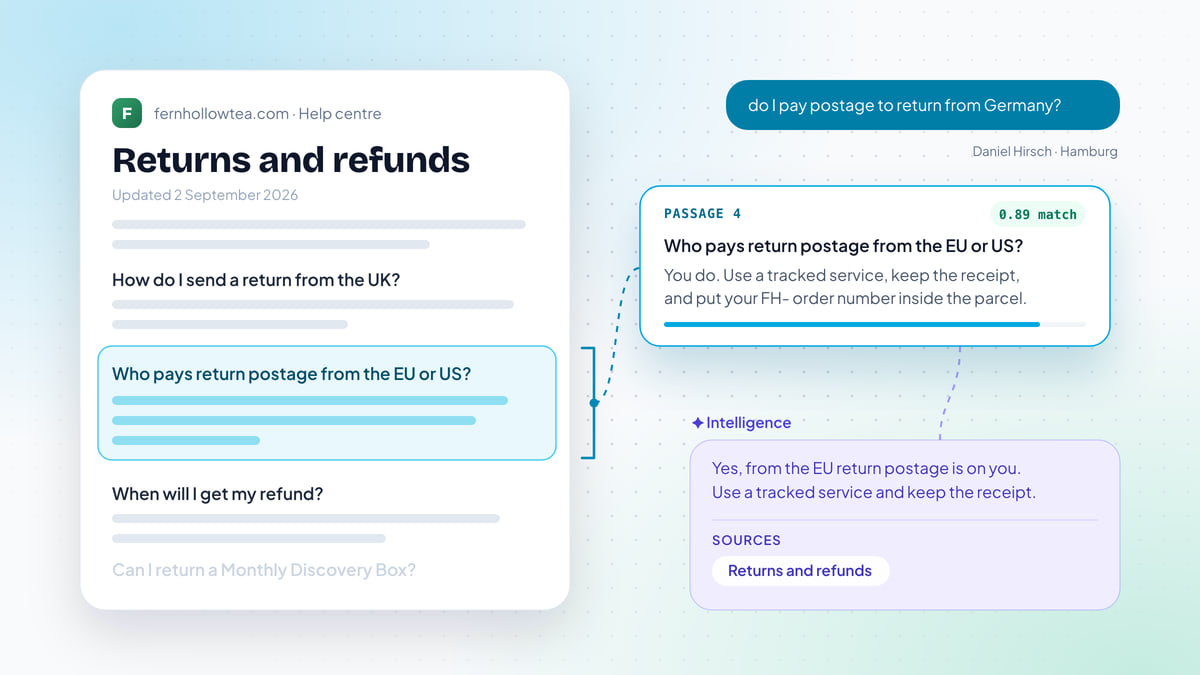
How an AI agent finds answers in your help center, and how to write articles it can use: one question per section, answer first, exact numbers, no contradictions.
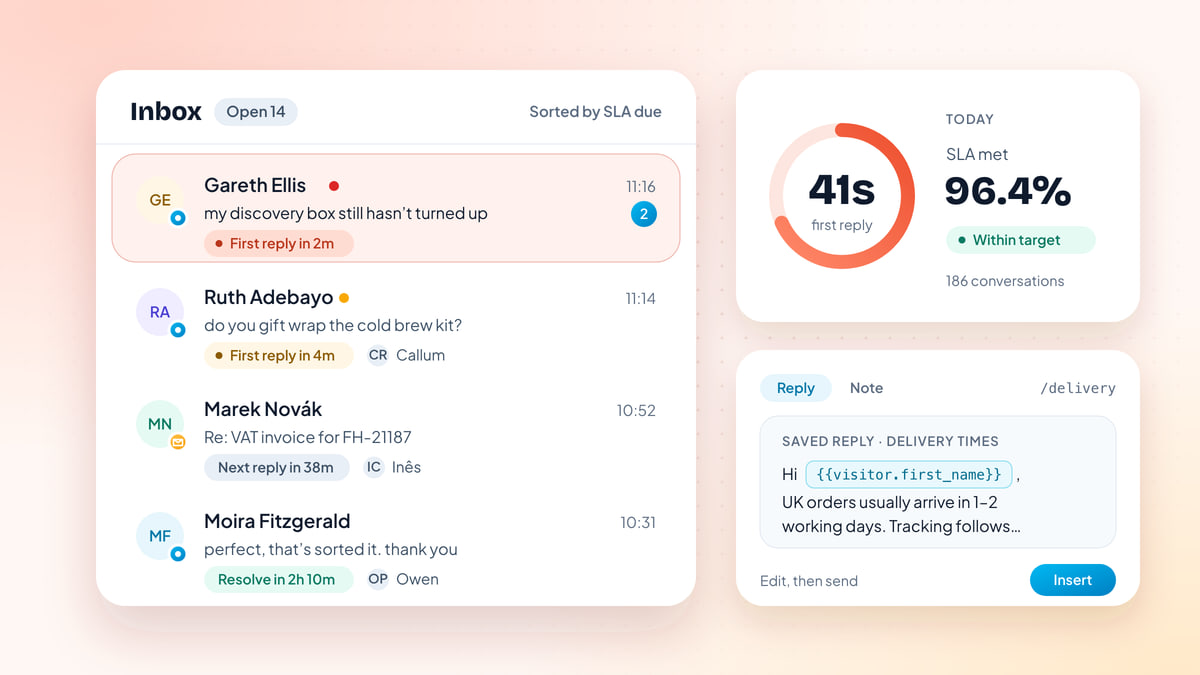
A live chat playbook for teams of 1 to 10: response times, staffing to your busy hours, routing, SLAs, saved replies, proactive messages and a weekly review.
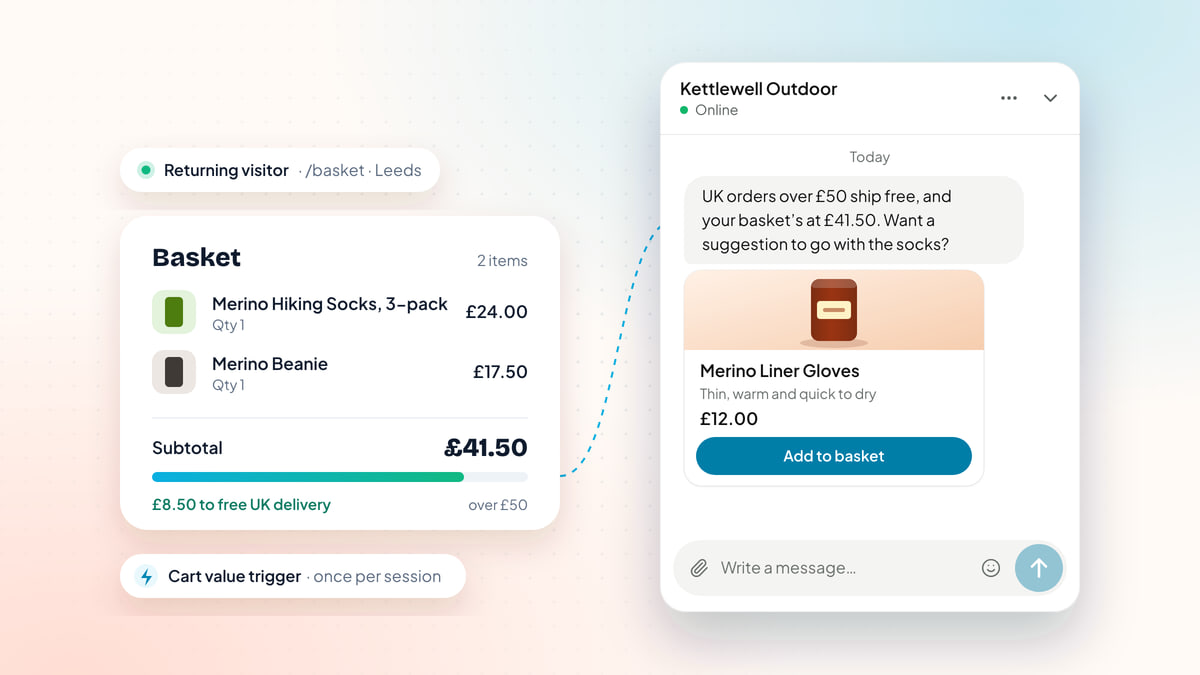
How online stores use live chat to answer pre-sale questions, help hesitant shoppers check out and cut “where is my order” chats, with trigger examples and the math.
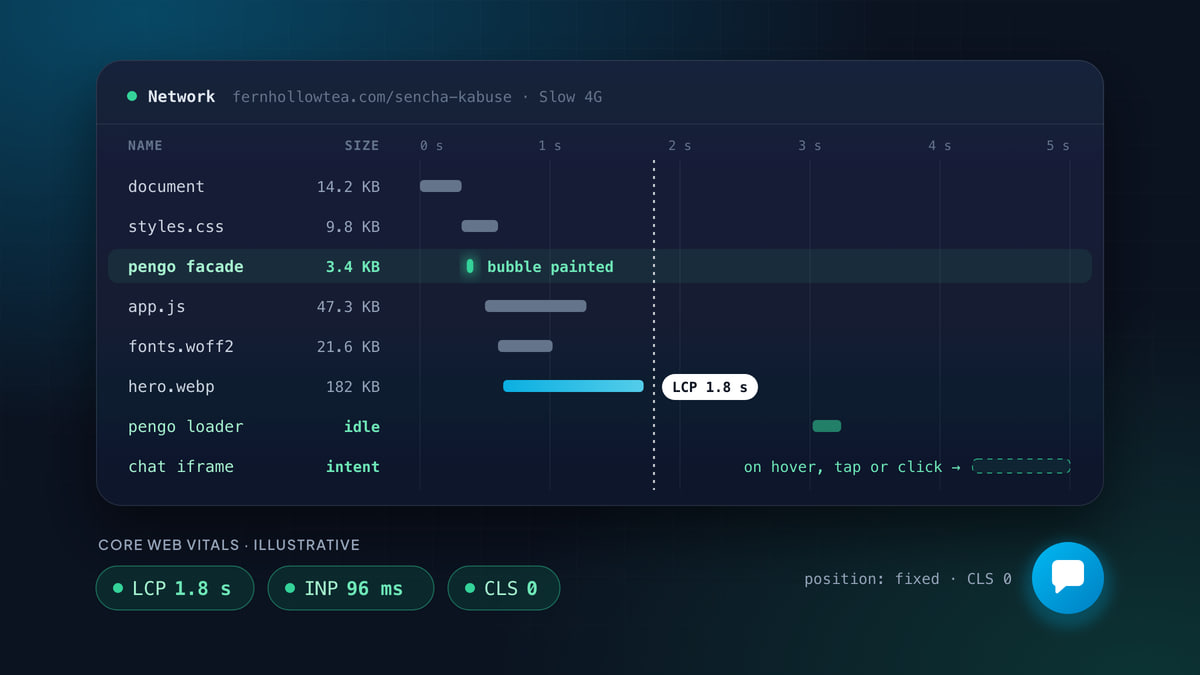
What a live chat widget loads, how it affects LCP, INP and CLS, and a step-by-step way to measure your own with DevTools, Lighthouse, WebPageTest and field data.
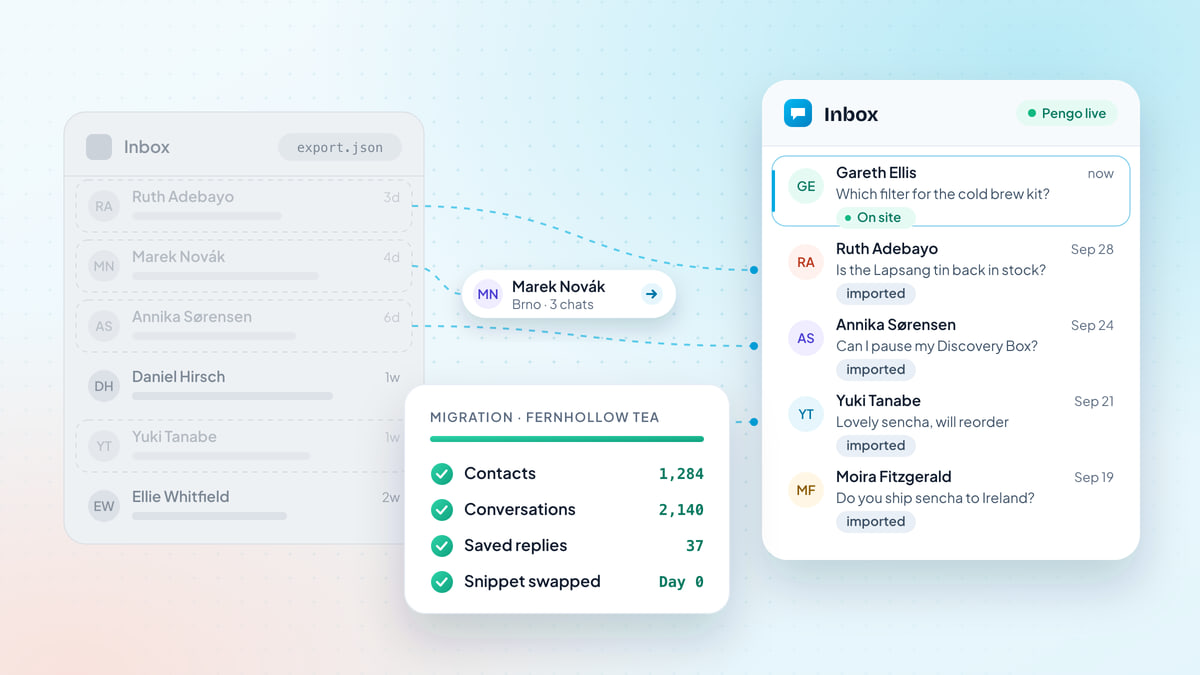
A vendor-neutral migration plan for live chat: what to inventory, how to export and import, what you rebuild, and how to run cutover day so no customer gets dropped.
No guide matches that search. Try another word, or tell us what to write about.

Install in five minutes. Your AI agent is answering before your coffee cools.
Free to start · No card needed · Cancel anytime